




Black Friday XREAL for Work: Test the Task Before the Upgrade
For Black Friday, buy an XREAL work setup only after testing the documents and window arrangement you use. A personal display, a wide virtual canvas and several independent monitors are different requirements. Decide which one matters before paying for a companion or extra software.
Offer checked on 21 November 2026. Amounts are regional campaign displays, subject to current availability, configuration and checkout terms. No end date or coupon combination is promised.
- 1S is listed at GBP 305 in the observed regional Black Friday campaign.
- Its official specification lists native 3DoF, 1200p and up to 120 Hz.
- Match the source and fit, then compare the complete delivered basket.
Regional offer: Check the regional offer and your complete order
The regional Black Friday offer
| Model | Campaign amount | Saving displayed by campaign |
|---|---|---|
| XREAL 1S | GBP 305.00 | GBP 94 |
Official regional Black Friday campaign.

Use real text instead of a cinema-size headline
Open your usual code editor, browser or spreadsheet at a comfortable scale. Check the corners, cursor, punctuation and scrolling. A large apparent screen does not establish equivalence to a physical 4K monitor. Display specifications cannot guarantee all-day comfort or a particular person’s text clarity.
Verify the exact workspace route
A supported direct video connection can provide a display without establishing every multi-window workflow. Check the current operating system, source video output and supported software for the arrangement you want. Native 3DoF on a current X1 model is not a promise of several independent desktop monitors. Treat an older Air-plus-companion setup as its own configuration.
Try the environment where you will use it
For a small cafe table or aircraft tray, include cables, source placement and power in the test. Wearable display glasses are not a certified confidentiality control; your laptop screen, notifications or sound may still expose information. Use your organization’s security rules for sensitive work. Keep a physical screen available when colleagues need to inspect the same material.
Specifications that matter to this choice
| Published feature | What the official source states |
|---|---|
| Model | XREAL 1S |
| Processor | X1 spatial chip |
| Spatial mode | Native 3DoF |
| Resolution | 1200p resolution |
| Display refresh | Up to 120 Hz refresh |
| Peak brightness | 700 nits peak brightness |
XREAL 1S — official specifications.
Return conditions
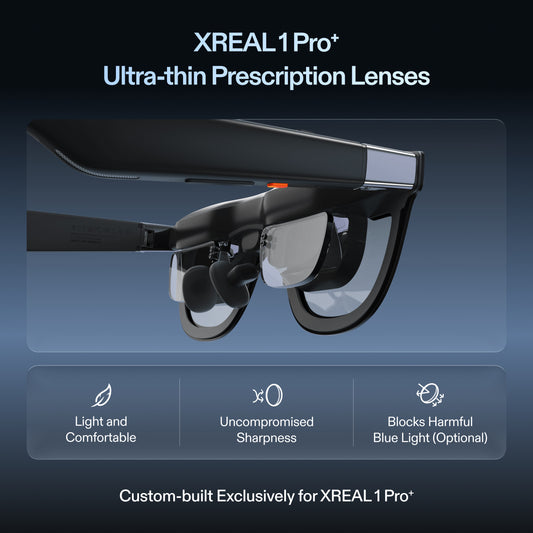
The regional direct-store return policy describes a 30-day period from receipt, subject to its conditions. Custom prescription lenses are non-returnable and non-exchangeable; contact support about quality issues. Seller terms differ for third-party purchases. Read the applicable return policy.
Related XREAL reading
- Can XREAL Replace a Portable Monitor for Steam Deck? Choose the Job First
- Air 2 Anchored Screens on Flights: Hardware Dependencies Versus Update Promises
- Beam Connection Failure in the UK: The Warranty Route and What to Send
Before placing the order
Recheck the exact configuration, source compatibility and applicable purchase terms. Include required optical work, adapters and destination-specific costs. A promotional amount does not establish suitability for every user.
Frequently asked questions
Does a giant virtual display guarantee a 4K-monitor replacement?
No. Test text clarity and the actual work task.
Does native 3DoF prove a multi-monitor desktop workflow?
No. Verify the software, source and supported window arrangement separately.
Are display glasses a complete privacy solution?
No. Other screens, notifications and audio can still disclose information.
Should I add a companion before testing direct video?
Establish what function the companion adds to your exact setup first.