










Do You Need XREAL Beam? Compare Original Beam, Beam Pro and Native Anchoring
Add original XREAL Beam when its supported spatial-display input path supplies a feature your existing glasses lack. Do not buy it solely to anchor a One Pro screen: One Pro already provides native 3DoF anchoring with a compatible source. Beam Pro is a separate Android content device, so its similar name does not make it the same adapter.
The coffee-shop question: pinning one screen versus buying another computer
If you already own older display glasses and want a supported external video source anchored in space, investigate original Beam with that exact source. If you are choosing a current frame, compare the complete legacy kit against One Pro’s native positioning rather than assuming an extra box is mandatory. The UK One Pro listing describes on-glasses X1 processing.
This distinction matters for a laptop buyer: direct display, a positioned display and several independently arranged monitors are different outcomes. A companion box is worth buying only if the documented feature you need works with your actual applications.
Three similar-sounding purchases, three different roles
| Path | Why it can be useful | What to confirm |
|---|---|---|
| Original Beam | Adds documented display-positioning modes to a supported source path | Exact glasses, input cable and firmware behaviour |
| Beam Pro | Runs supported Android content for compatible glasses | App playback, account region, storage and downloads |
| One Pro directly connected | Native screen anchoring without a separate anchoring box | Host video output and the supported display mode |
The official original-Beam guide is a 2023 generation-specific reference, including refresh-rate and wireless-content limitations. Do not silently turn its capabilities or old promised updates into current guarantees.
Flights and offline films: choose the content route first
An existing original-Beam owner should test the current wired or wireless route with the actual downloaded or streaming service before a journey. The older guide identifies DRM restrictions for some wireless media. A familiar app icon does not prove offline availability. Beam Pro may suit a separate Android source requirement, but verify each app, account and region first.
The UK listing showed Wi-Fi 6GB/128GB unavailable and both 8GB/256GB variants available on 29 October 2026. Stock and prices are temporary. There is no need to frame the choice as waiting for Beam Pro: the question is which current variant and workflow meet the job.
Gaming, coding and movement need different acceptance tests
For gaming, verify latency and the actual refresh mode through the complete chain; a glasses panel’s maximum refresh rate does not establish the companion path’s output. For Mac coding, ask whether your supported application supplies independent monitors or one anchored canvas. Compare a competing station on the same source, not on its name.
Smooth Follow is a display behaviour, not evidence that walking while watching is suitable or that motion nausea disappears. Evaluate comfort while seated in a controlled trial. A treadmill use case should not be used to justify a purchase from a screen-stability claim alone.
Put a price against the feature you actually need
On 29 October 2026, the UK One Pro page listed £529. The Beam Pro listing showed Wi-Fi 8GB/256GB at £239 and 5G 8GB/256GB at £279; the £189 base model was unavailable. These are separate purchases: Beam Pro adds a content source, not a required anchor module for One Pro. Original Beam’s current UK purchase price was not verified, so obtain a live quote rather than using a historic launch price.
A first-hand Tom’s Guide One Pro review reports that the reviewer could anchor a workspace during a flight. That is one reviewer’s experience with One Pro, not a test of original Beam, a guarantee of your comfort or a latency benchmark.
Coffee-shop power: original Beam is another battery to plan around
XREAL's original 2023 Beam announcement lists a 4,870mAh battery and 3.5 hours of playback from manufacturer testing. Its simultaneous charging statement is qualified for wireless use. Neither figure is a measured result for your laptop, firmware or wired café setup, and a used battery can behave differently.
| Café configuration | Power dependency | Decision before buying |
|---|---|---|
| One Pro directly from a compatible laptop | Laptop powers the video display | Test the laptop's remaining working time with glasses attached |
| Older Air-family glasses through original Beam | Laptop/source plus Beam's separate battery | Verify the wired route and whether your session can outlast the available charge |
| Beam Pro running Android apps | A separate content device and its charging arrangement | Choose it for Android content, not as a laptop-video input |
For one anchored laptop screen, first test One Pro directly or a supported original-Beam route for glasses you already own. For independent Mac monitors, verify the current app and OS; an anchor box does not itself create that workspace. For a long café session without a socket, measure your actual start-to-finish task and plan the approved power path before relying on an advertised playback figure.
This gives a concrete reason to prefer direct connection when it already provides the required mode: fewer devices to charge and reconnect. Add original Beam only when its supported positioning feature is worth that additional battery and input dependency.
Product reference: match the exact generation
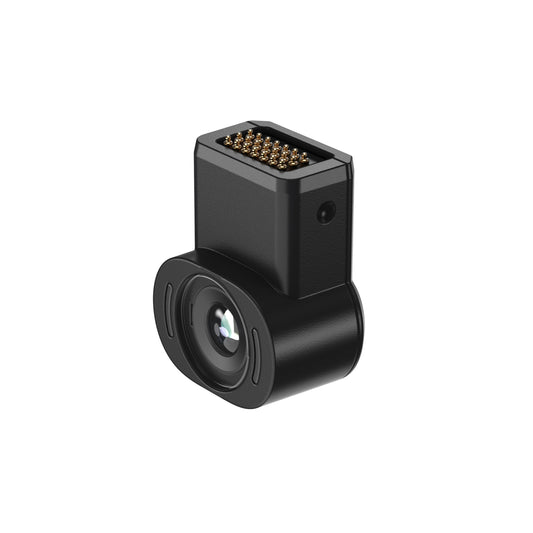
XREAL Beam (original)
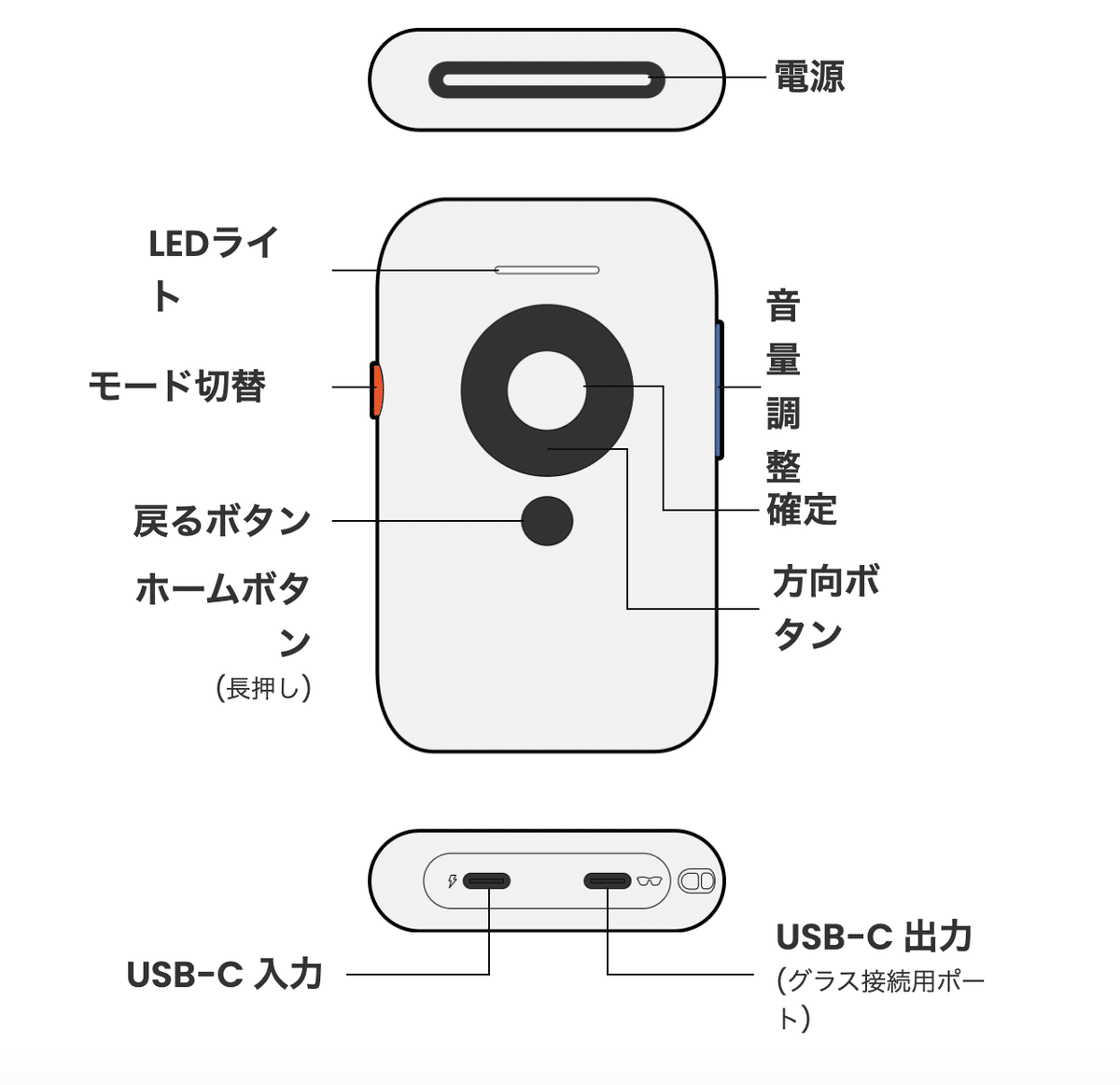
Image: XREAL.
| Parameter | Manufacturer detail |
|---|---|
| Generation | Original Beam; distinct from Beam Pro |
| Role | Spatial display accessory receiving a supported video source |
| Documented modes | Body Anchor; Smooth Follow; Sideview |
| Ports | Separate source input and glasses output |
| Legacy guide limitation | 2023 guide states 72Hz with Air; do not assume a current 120Hz path |
Manufacturer product information.
XREAL Beam Pro

Image: XREAL.
| Parameter | Manufacturer detail |
|---|---|
| Role | Android content source for compatible XREAL glasses |
| System | Android 14 |
| UK variants | Wi-Fi 6GB/128GB; Wi-Fi 8GB/256GB; 5G 8GB/256GB |
| Video-input boundary | Not an HDMI or USB-C DisplayPort input adapter |
| Observed variant availability | 6GB/128GB unavailable; both 8GB/256GB variants available on 29 October 2026 |
Manufacturer product information.
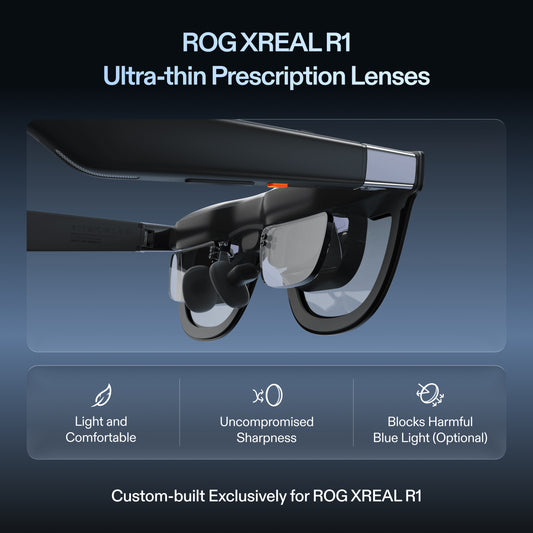
XREAL One Pro

Image: XREAL.
| Parameter | Manufacturer detail |
|---|---|
| Display | 1920 × 1080 pixels per eye; up to 120Hz |
| Field of view / mass | 57° / 87g excluding cable |
| Positioning | X1 chip; native 3DoF Anchor |
| Optical sizes | M: IPD 57–66mm; L: IPD 66–75mm |
| Source | Compatible DisplayPort video over USB-C; source runs content |
Manufacturer product information.
Manufacturer specifications describe capability, not independent comfort, reliability or support rankings. Values were checked on 29 October 2026; confirm the selected model and live availability before ordering.
FAQ
Is original Beam required for One Pro anchoring?
No, One Pro has native X1 positioning on a compatible source connection. Other required adapters still depend on the source.
Is Beam Pro a newer version of the same video adapter?
It is a different Android content-source device. Do not assume it accepts the same external video inputs.
Does an anchor guarantee several virtual monitors?
No. Independent monitors require a separately supported host and software arrangement.
Your next step
Check the available UK Beam options after confirming which device role you need
Sources
- XREAL documentation or UK shop policy
- XREAL documentation or UK shop policy
- XREAL documentation or UK shop policy
- XREAL documentation or UK shop policy
- XREAL documentation or UK shop policy
Prepared for XREAL UK. Manufacturer specifications and purchase-check guidance; no independent laboratory test or representative owner survey is claimed. Source check: 29 October 2026.